BudgetSyncer is on the App Store and the website — subscribe with a 7-day free trial.

European bank sync for YNAB

How BudgetSyncer prevents duplicate transactions

BudgetSyncer uses stable bank transaction IDs so pending and booked versions of the same payment do not create two YNAB rows, and on reconnect it skips overlaps that already match date, amount, and payee in YNAB. YNAB also applies its own import ID rules when transactions arrive. Details below are current as of 2026-09-27.

Support status

Duplicate handling runs in BudgetSyncer before and alongside YNAB import IDs.

This institution or market is commonly available via our open banking partner.

Pending vs booked

Banks often expose the same payment twice: once as pending and again as booked. BudgetSyncer uses stable bank transaction IDs so those versions do not create two YNAB rows when the bank keeps a consistent identity across states.

YNAB also applies its own import ID rules when transactions arrive. BudgetSyncer and YNAB together reduce the duplicate friction that weekly CSV imports create when files include both pending and cleared lines.
Reconnect and overlap matching

When you reconnect a bank after consent expires, BudgetSyncer skips overlaps that already match date, amount, and payee in YNAB. That helps prevent a second full history dump of transactions you already imported.

If you change the YNAB destination for a mapped bank account, import-from-date behaviour follows the new mapping — remapping to a different YNAB account is treated carefully so you do not unintentionally re-import into the wrong place.

What you should still review

Open banking data is only as clean as the bank provides. Odd payee strings, split payments, or cash withdrawals can still need a quick look in YNAB. BudgetSyncer focuses on reliable import — categorization stays in YNAB.

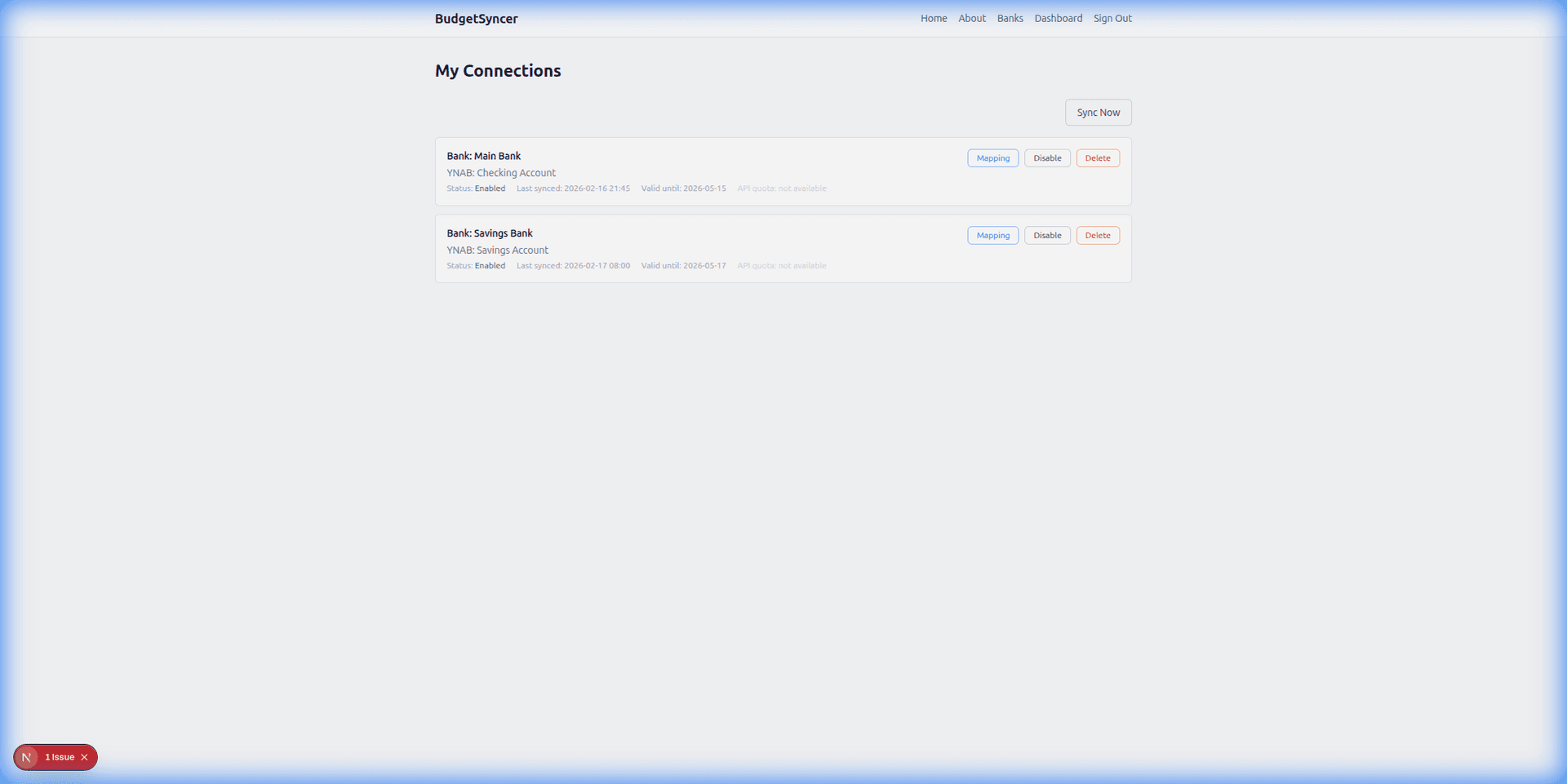
Transactions sync automatically on your chosen schedule (default twice per day; you can add or change sync times on the connections page). Exact local times are shown for your timezone. You can also start a manual sync anytime from BudgetSyncer. With Enable Banking there is no separate daily limit on user-triggered syncs (banks may still delay publishing transactions).

Setup in a few minutes

  1. Create a free BudgetSyncer account and connect your YNAB plan.
  2. Choose your bank and authorize via secure PSD2 open banking (no passwords stored by BudgetSyncer).
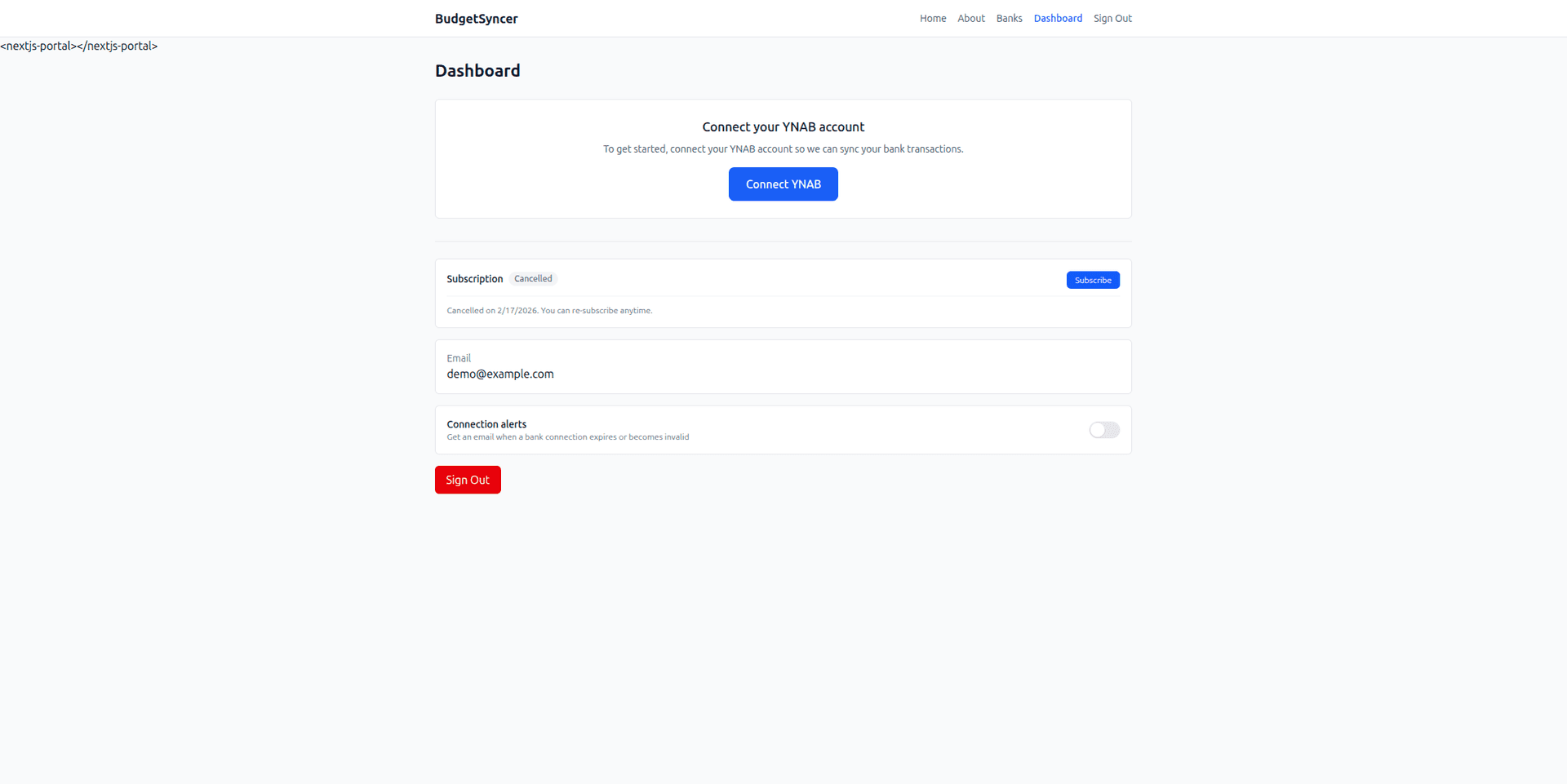
  3. Map each bank account from your login to the right YNAB account — transactions sync on your schedule, and you can sync manually anytime.

What it looks like

Connect bank flow
Choose your bank and authorize securely
Sync status
Transactions flow into YNAB automatically

FAQ

Does YNAB alone prevent all duplicates?
YNAB applies import ID rules, but pending vs booked bank rows and reconnect overlaps need BudgetSyncer-side handling too. See the summary at the top of this page.
Will reconnecting my bank double my history?
BudgetSyncer skips overlaps that already match date, amount, and payee in YNAB. Always review the first sync after a reconnect.

Ready to stop CSV imports?

Create a free account, check your bank, and subscribe when you want sync enabled.

Get started

Don't see your bank?

Tell us which bank and country you need. We track demand for new institutions.