European bank sync for YNAB
Why I built BudgetSyncer
I use YNAB daily. Living in Europe, the default workflow was export CSV → import → reconcile. I built BudgetSyncer to keep my plan accurate without that weekly chore.
Support status
Indie-built with direct support at admin@budgetsyncer.com
Listed by our open banking partner; not separately verified beyond the directory listing.
Setup in a few minutes
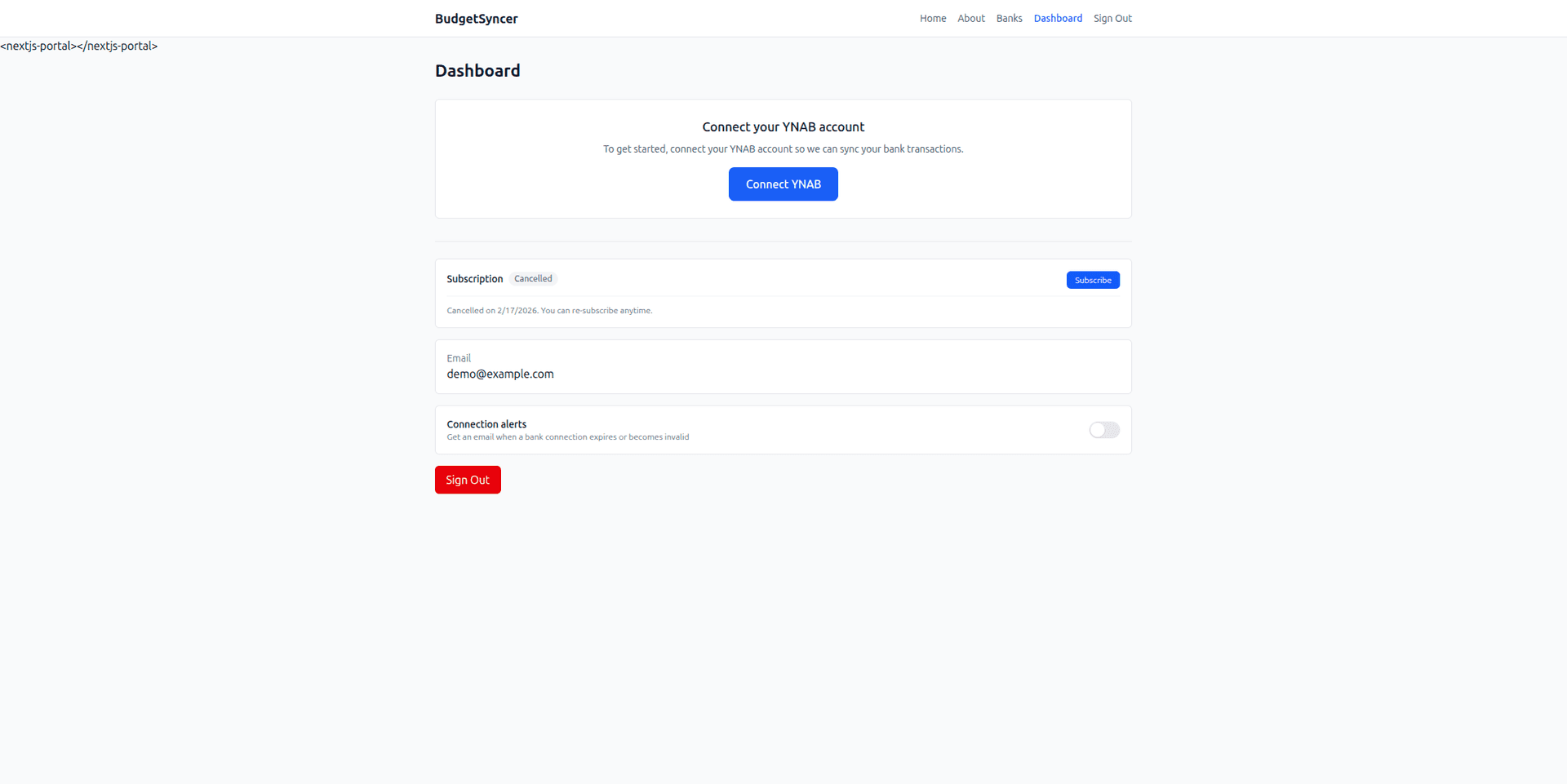
- Create a free BudgetSyncer account and connect your YNAB plan.
- Start a 7-day free trial on the website or App Store (required before connecting a bank).
- Choose your bank and authorize via secure PSD2 open banking (no passwords stored by BudgetSyncer).
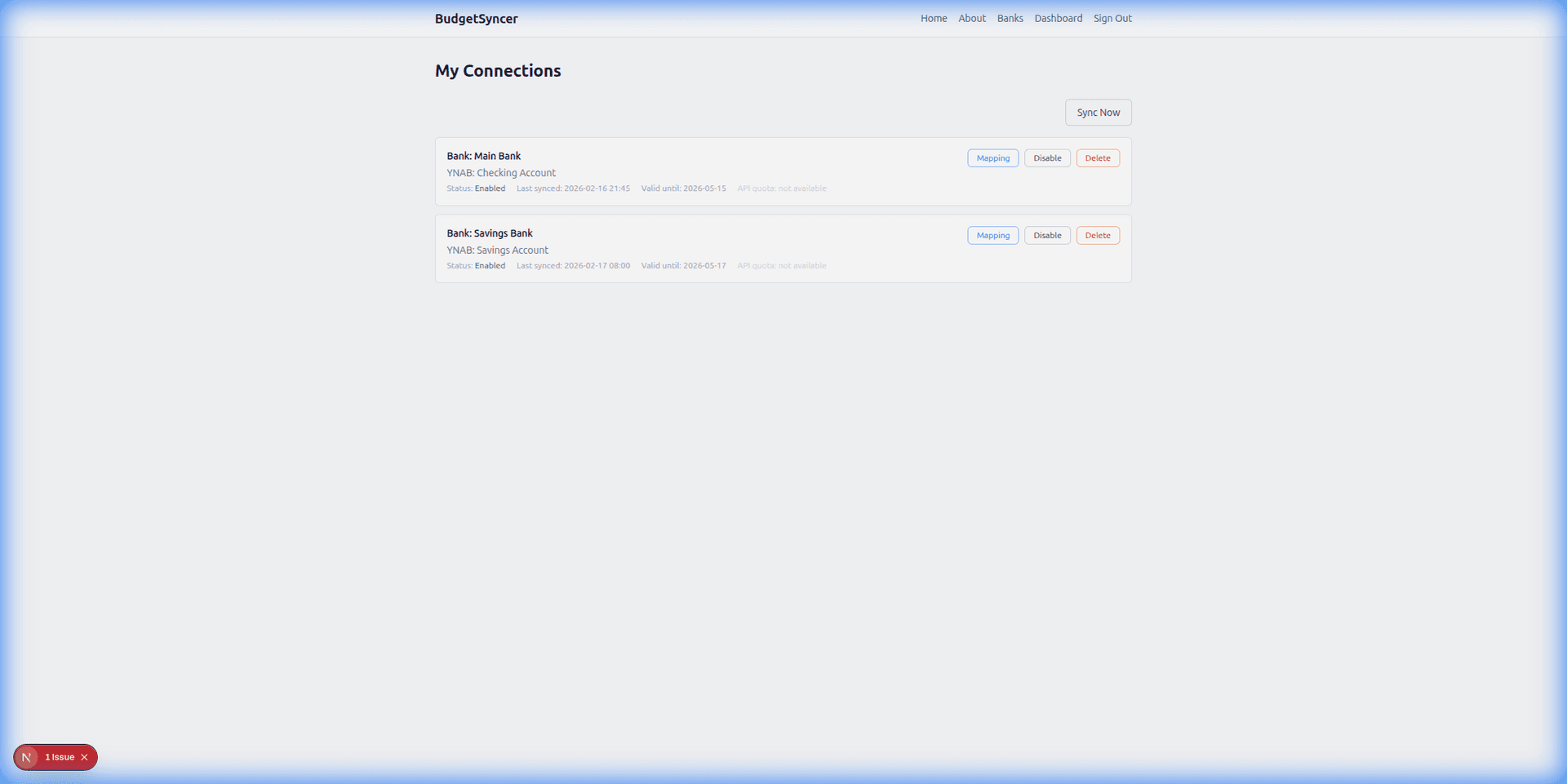
- Map each bank account from your login to the right YNAB account — transactions sync on your schedule, and you can sync manually anytime.
What it looks like
Ready to stop CSV imports?
Create a free account, check your bank, and subscribe when you want sync enabled.
Get startedDon't see your bank?
Tell us which bank and country you need. We track demand for new institutions.