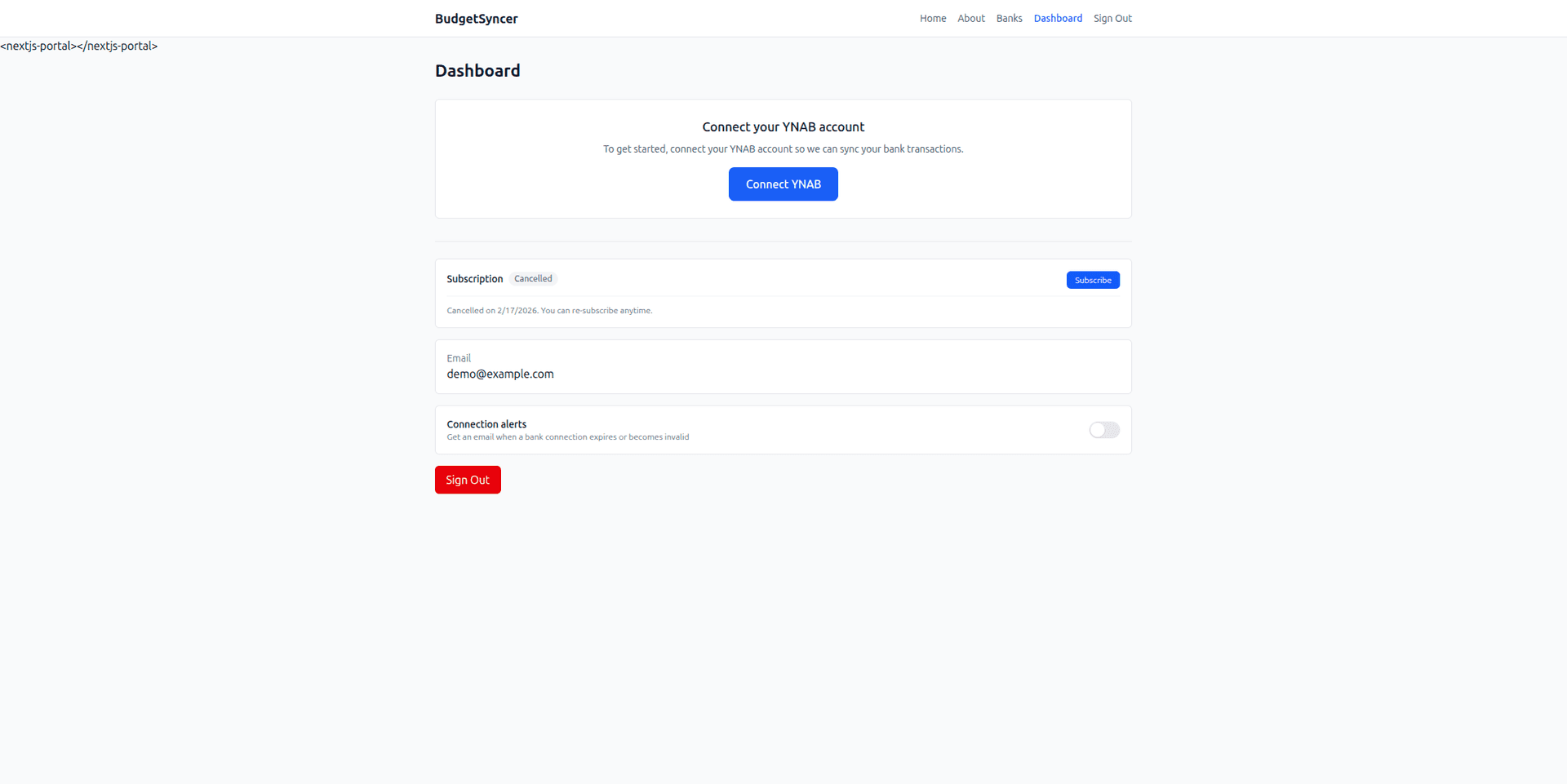
Step 1 — Create a free BudgetSyncer account and sign in. You can browse supported banks and connect YNAB before subscribing. No credit card is required to explore whether SEB Estonia appears for Estonia in the bank directory.
Step 2 — Connect YNAB with OAuth. BudgetSyncer requests permission to read your budgets and accounts and to create transactions in the YNAB accounts you select. You can revoke access anytime from YNAB or BudgetSyncer.
Step 3 — Add a bank connection and select Estonia in the country picker. Search for SEB Estonia. If your branch or subsidiary appears under a slightly different name, pick the listing that matches your account — open banking directories sometimes use legal entity names.
Step 4 — Complete SEB Estonia's authorization flow in your browser. Your bank may ask you to confirm access in its mobile app or with strong authentication. Once approved, BudgetSyncer can read new transactions from the accounts linked under that connection.
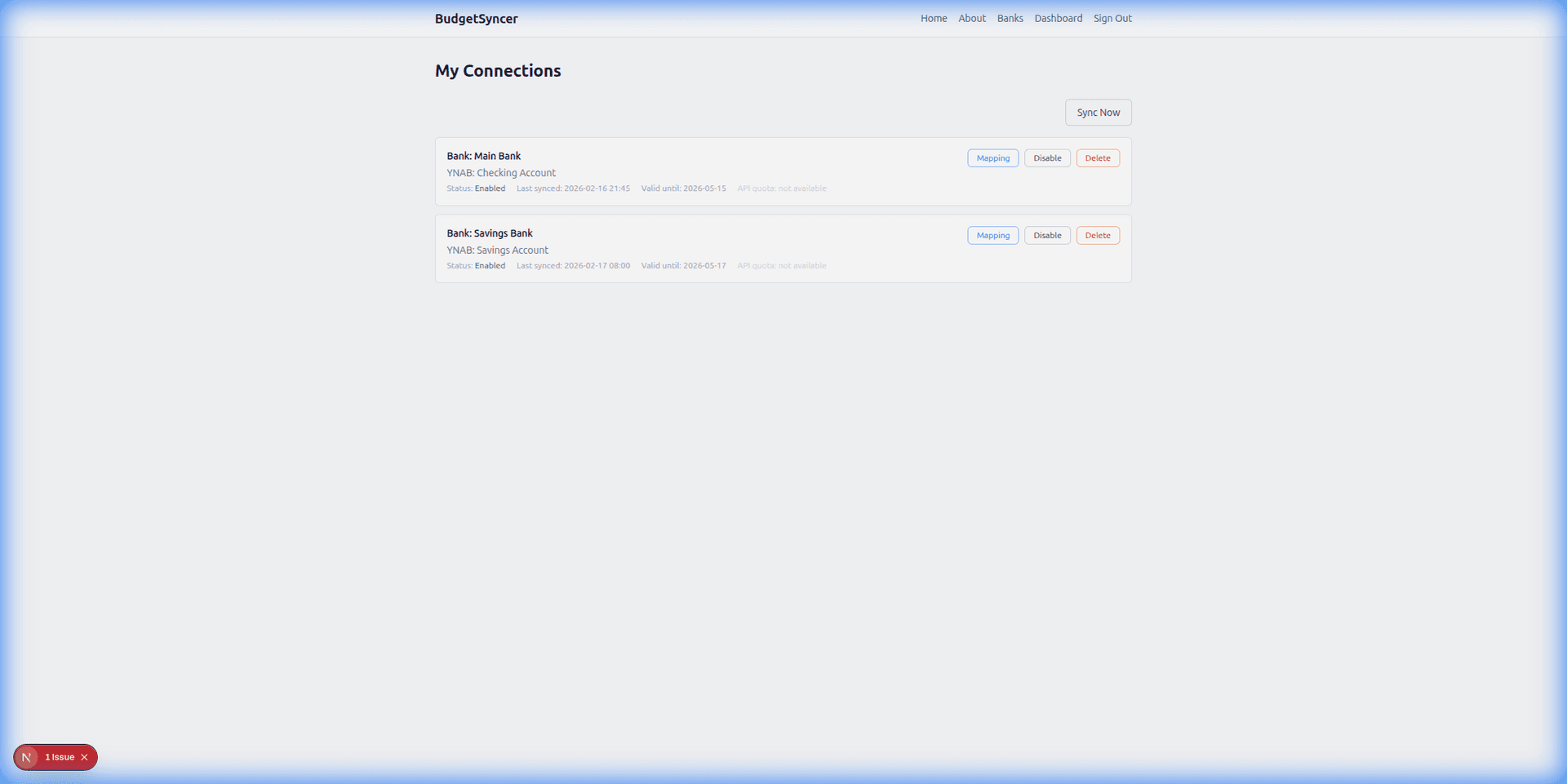
Step 5 — Map each SEB Estonia account to the correct YNAB account and enable sync when you subscribe. New transactions flow into YNAB automatically. Review imports in YNAB as you normally would; categorization and reconciliation stay in YNAB.