BudgetSyncer is on the App Store and the website — subscribe with a 7-day free trial.

European bank sync for YNAB

Sync credit cards to YNAB

Credit card accounts can sync where your bank exposes them through open banking. Availability varies by bank and country — confirm the accounts returned after you authorize. This guide explains what BudgetSyncer can and cannot do for European credit cards as of 2026-09-27.

Support status

Credit card availability depends on what your bank returns after authorize.

This institution or market is commonly available via our open banking partner.

Bank-dependent by design

Open banking does not guarantee that every credit card product appears as a syncable account. Some banks expose card accounts alongside current accounts; others only return checking and savings. BudgetSyncer shows the accounts your bank returns after consent — we cannot invent a card feed the bank does not provide.

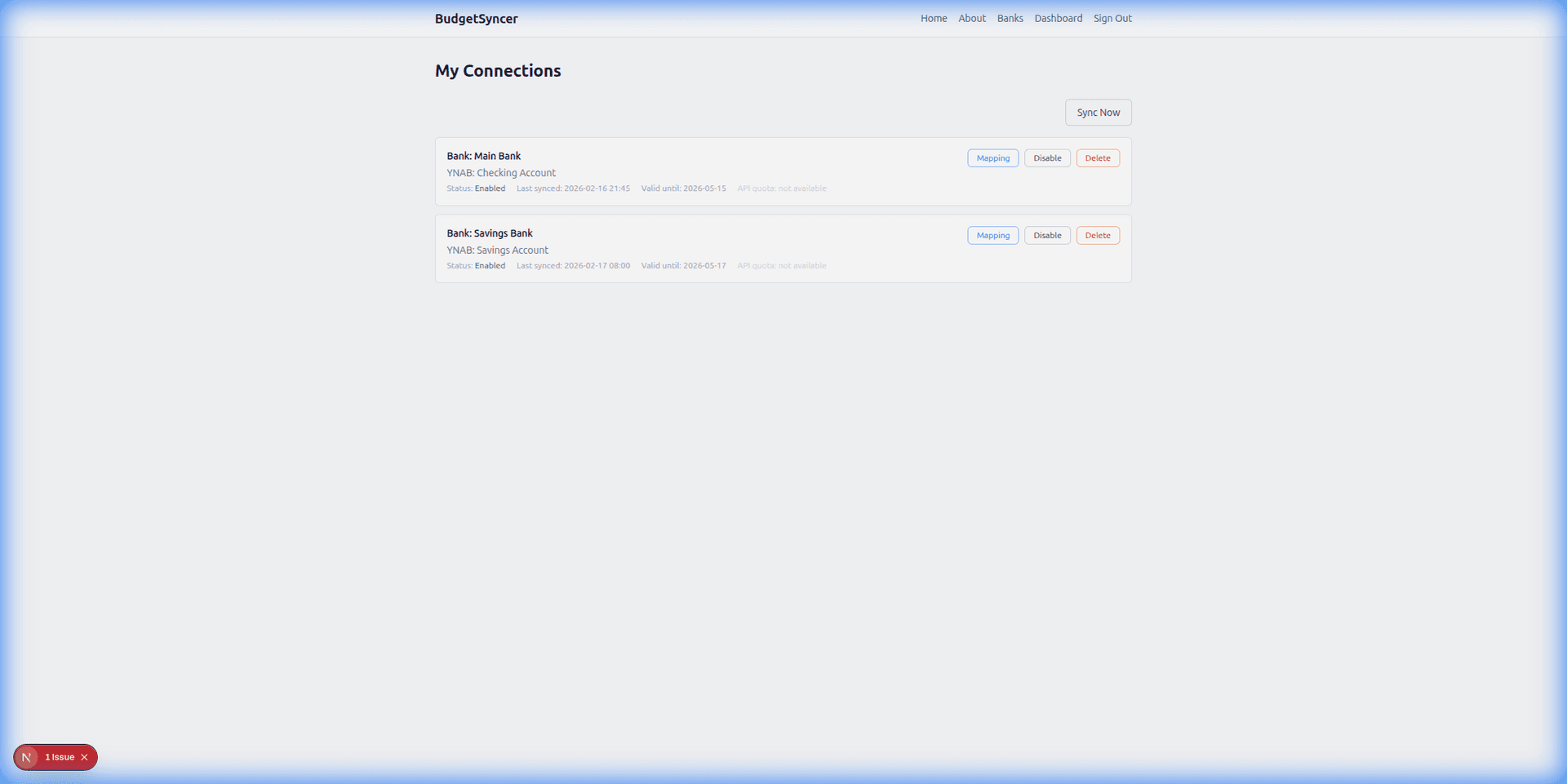
After you authorize, check the mapping screen. If a credit card is listed, map it to a YNAB credit card account (not a checking account) so balances and payment flows stay correct in YNAB.
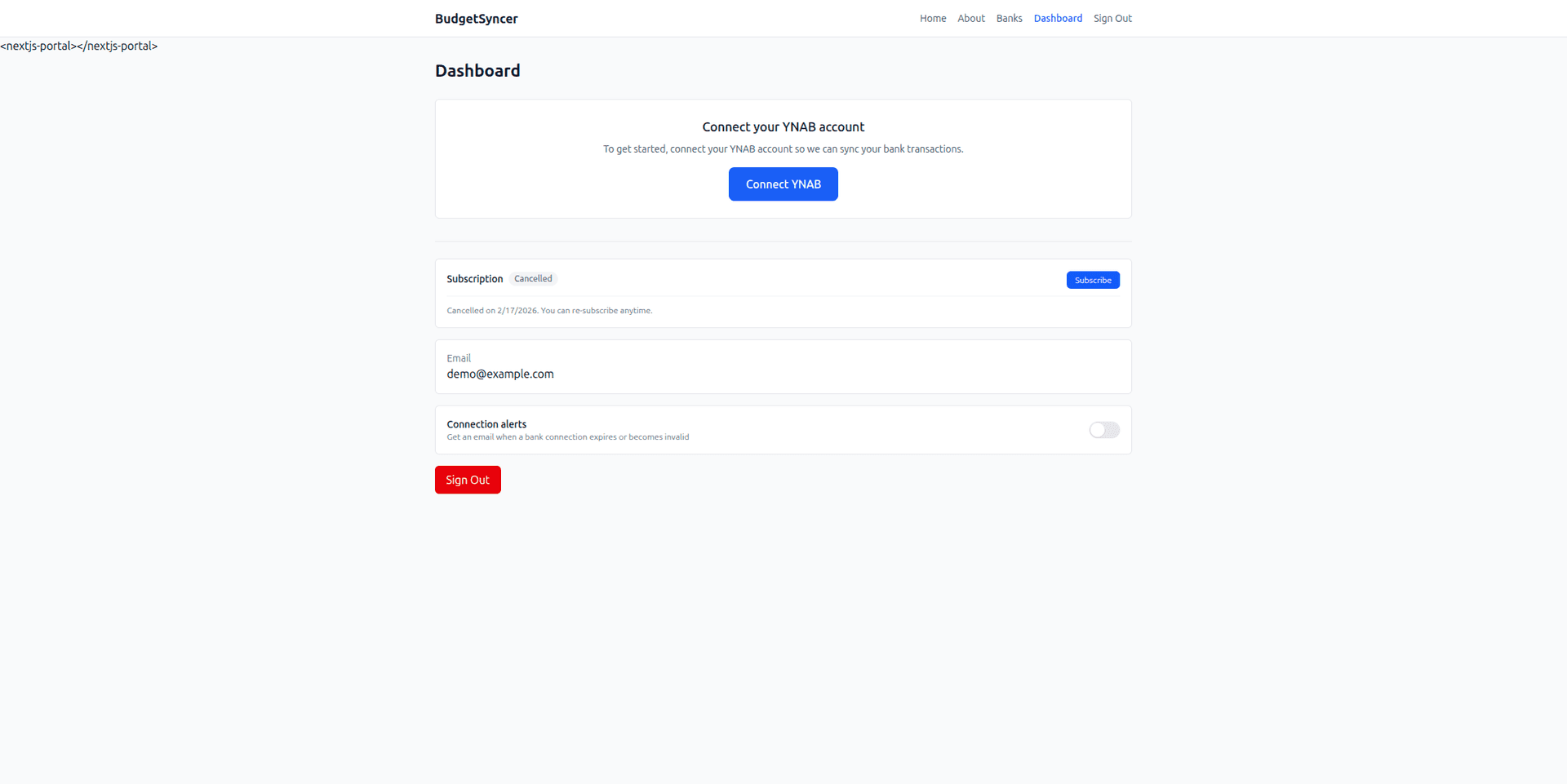
How to map a card in YNAB

Create or select a credit card account in YNAB for that card. In BudgetSyncer, assign the bank card account to that YNAB account and enable sync. You can map up to 4 bank accounts per institution connection. Extra bank connections each get their own mapping allowance.

Transactions sync automatically on your chosen schedule (default twice per day; you can add or change sync times on the connections page). Exact local times are shown for your timezone. You can also start a manual sync anytime from BudgetSyncer. With Enable Banking there is no separate daily limit on user-triggered syncs (banks may still delay publishing transactions).

Limitations

Pending authorizations, rewards, and installment plans may look different from how they appear in the bank app. Some banks delay card postings; a manual sync will not create transactions the bank has not published yet.

If your card never appears after authorize, that is usually a bank open-banking limitation — not a BudgetSyncer setting. You can still track the card with CSV or manual entry while syncing other accounts automatically.

Setup in a few minutes

  1. Create a free BudgetSyncer account and connect your YNAB plan.
  2. Choose your bank and authorize via secure PSD2 open banking (no passwords stored by BudgetSyncer).
  3. Map each bank account from your login to the right YNAB account — transactions sync on your schedule, and you can sync manually anytime.

What it looks like

Connect bank flow
Choose your bank and authorize securely
Sync status
Transactions flow into YNAB automatically

FAQ

Does BudgetSyncer support all European credit cards?
No. Support is bank-dependent. Confirm the accounts returned after you authorize your bank in BudgetSyncer.
Should I map a card to a checking account in YNAB?
No. Map credit cards to YNAB credit card accounts so payments and balances match how YNAB expects card accounts to work.

Ready to stop CSV imports?

Create a free account, check your bank, and subscribe when you want sync enabled.

Get started

Don't see your bank?

Tell us which bank and country you need. We track demand for new institutions.