BudgetSyncer is on the App Store and the website — subscribe with a 7-day free trial.

European bank sync for YNAB

YNAB bank import options compared

European YNAB users typically choose among Direct Import, manual CSV/OFX, BudgetSyncer, or another third-party sync tool. This comparison (as of 2026-09-27) helps you pick the least friction for your banks.

Support status

Prefer the simplest option that already works for your bank.

This institution or market is commonly available via our open banking partner.

YNAB Direct Import

Best when your bank appears in YNAB and stays connected. No extra subscription. Prefer Direct Import when it already works reliably — BudgetSyncer is not required in that case.

Limits: country and bank coverage gaps, and connections that break after credential or SCA changes. Iceland and several Central/Eastern markets are outside Direct Import entirely.

Manual CSV or OFX

Best for one-off history, unsupported open-banking products, or when you want zero third-party bank connections. Prefer CSV when you only import occasionally and do not mind the weekly chore.

Limits: time cost, pending/booked duplicates, and fragile export formats. Shared budgets wait on whoever exports.

BudgetSyncer

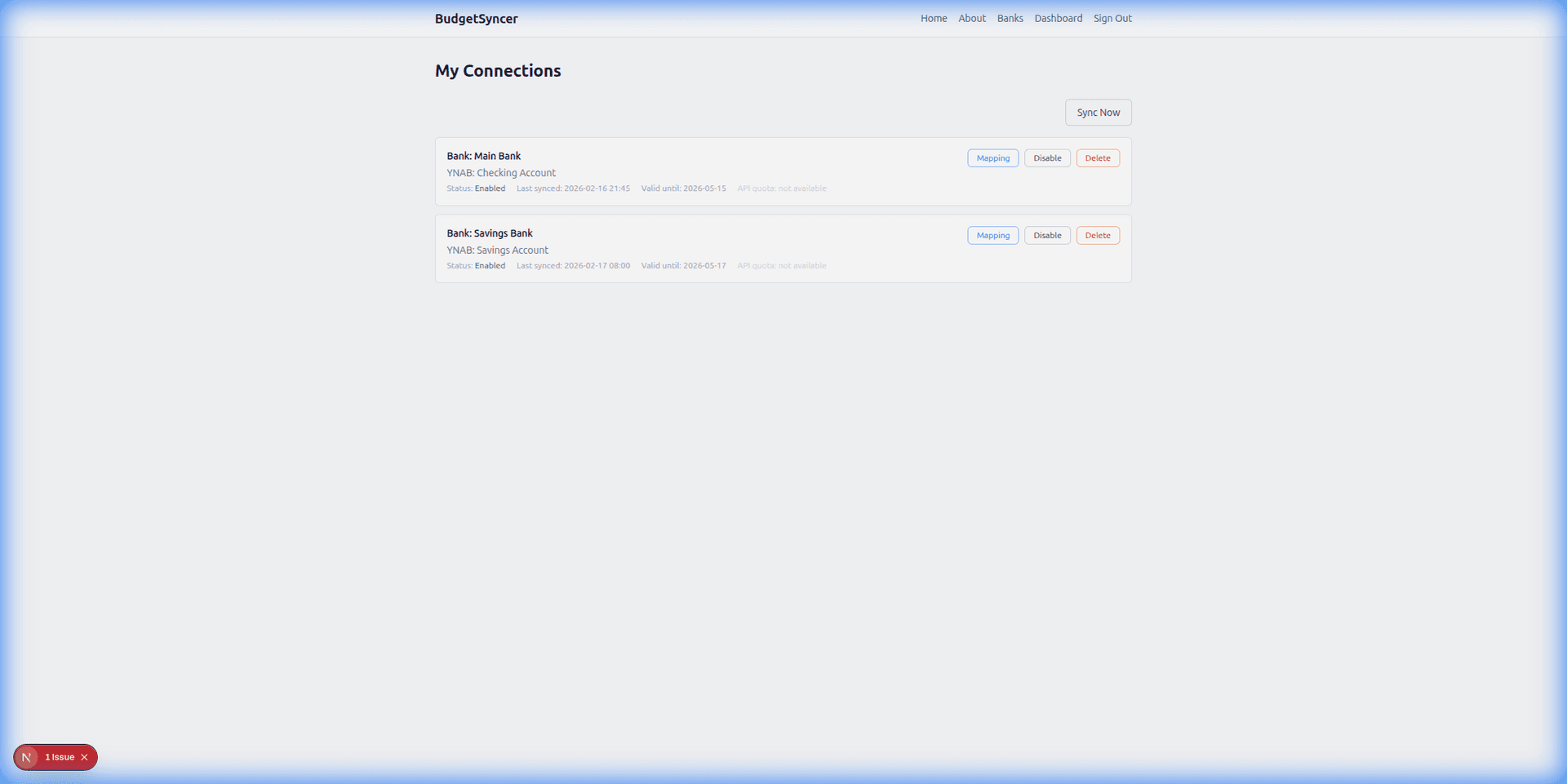
Best when Direct Import does not list your bank or country, or when you want scheduled European open banking sync into YNAB with manual sync anytime. You can map up to 4 bank accounts per institution connection. Extra bank connections each get their own mapping allowance. Transactions sync automatically on your chosen schedule (default twice per day; you can add or change sync times on the connections page). Exact local times are shown for your timezone. You can also start a manual sync anytime from BudgetSyncer. With Enable Banking there is no separate daily limit on user-triggered syncs (banks may still delay publishing transactions). BudgetSyncer uses stable bank transaction IDs so pending and booked versions of the same payment do not create two YNAB rows, and on reconnect it skips overlaps that already match date, amount, and payee in YNAB. YNAB also applies its own import ID rules when transactions arrive.

Limits: requires a BudgetSyncer subscription for ongoing sync; credit cards are bank-dependent; open banking delayed publishing still applies.
Other third-party tools

Other sync products may target multiple budgeting apps or different regions. Prefer BudgetSyncer when you want a YNAB-approved, Europe-focused open banking path with Enable Banking and YNAB-only field mapping. Prefer another tool only if you need non-YNAB destinations — BudgetSyncer is YNAB-only.

Quick decision guide

If Direct Import already works: keep it. If you only need rare imports: CSV may be enough. If you are in Europe and tired of exports for banks missing from Direct Import: try BudgetSyncer — confirm your bank at /banks, connect free, then subscribe when ready.

Setup in a few minutes

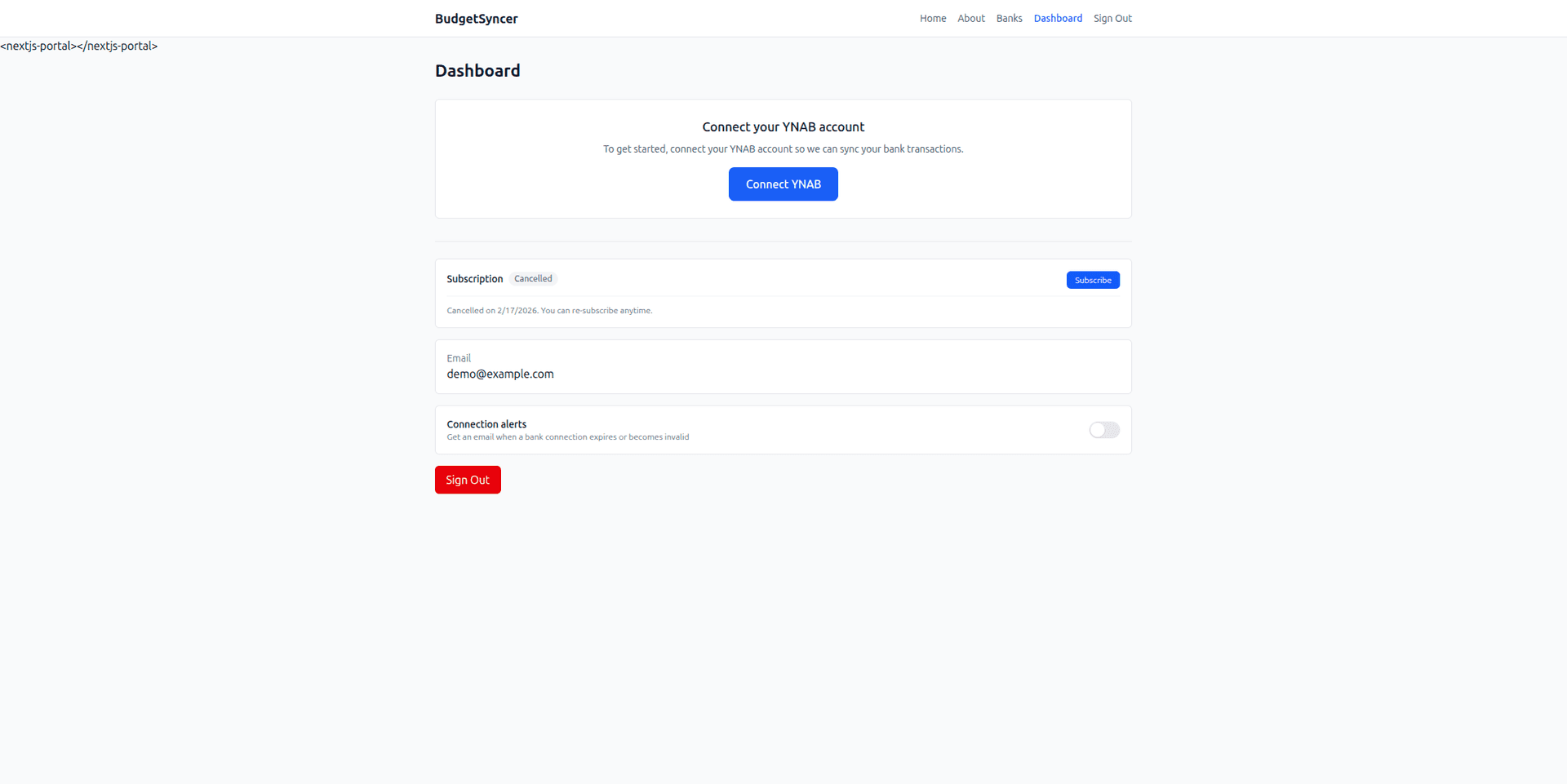
  1. Create a free BudgetSyncer account and connect your YNAB plan.
  2. Choose your bank and authorize via secure PSD2 open banking (no passwords stored by BudgetSyncer).
  3. Map each bank account from your login to the right YNAB account — transactions sync on your schedule, and you can sync manually anytime.

What it looks like

Connect bank flow
Choose your bank and authorize securely
Sync status
Transactions flow into YNAB automatically

FAQ

Should I replace Direct Import with BudgetSyncer?
Only if Direct Import is missing or unreliable for that bank. When Direct Import already works, it is usually the better default.
Can I mix options?
Yes. Many users keep Direct Import on one account and BudgetSyncer on another, or use CSV for history and BudgetSyncer for ongoing sync.

Ready to stop CSV imports?

Create a free account, check your bank, and subscribe when you want sync enabled.

Get started

Don't see your bank?

Tell us which bank and country you need. We track demand for new institutions.