European bank sync for YNAB
How BudgetSyncer works
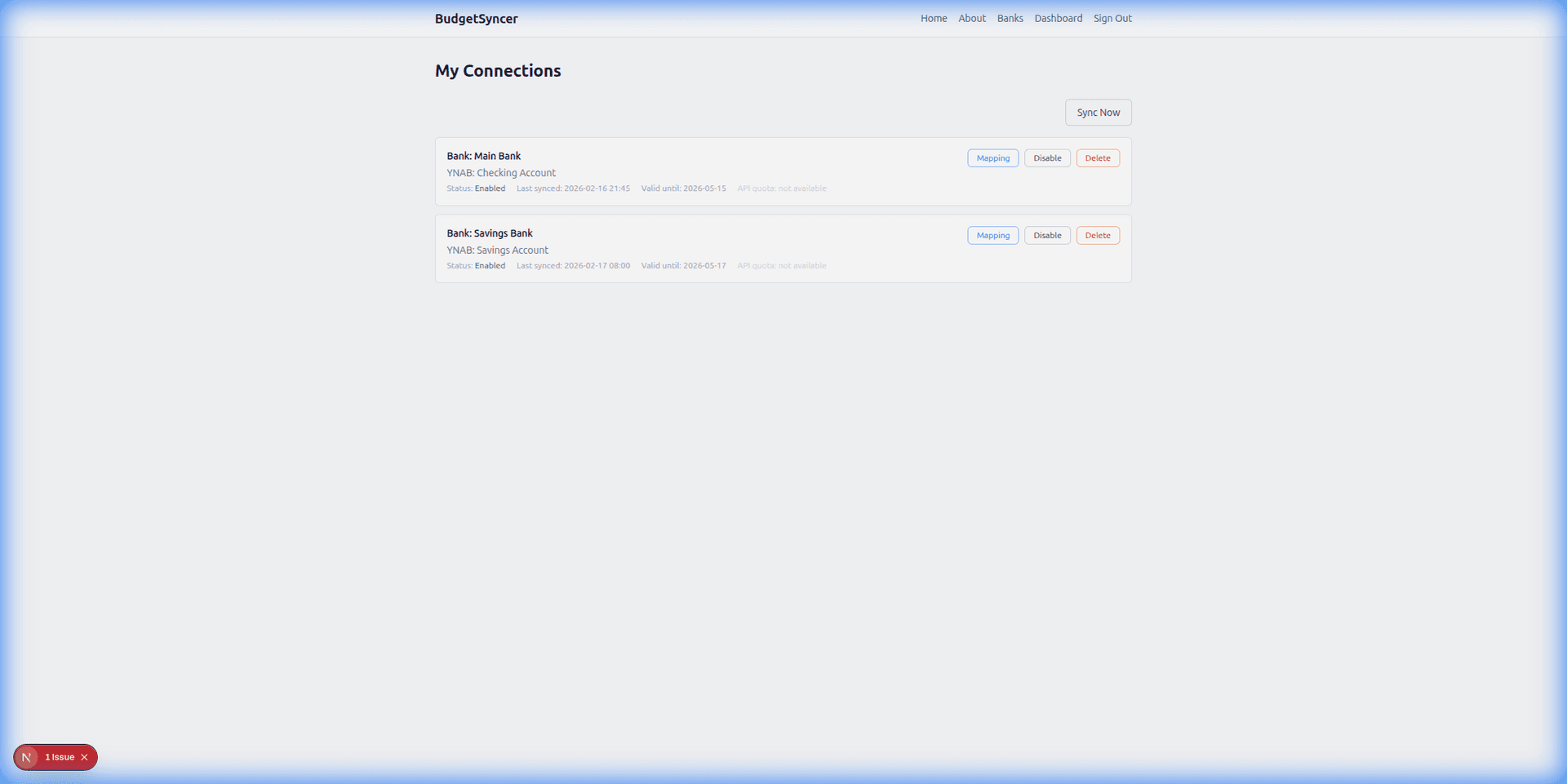
BudgetSyncer sits between your European bank and YNAB: it pulls transactions via PSD2 and imports them into YNAB. Transactions sync automatically on your chosen schedule (default twice per day; you can add or change sync times on the connections page). Exact local times are shown for your timezone. You can also start a manual sync anytime from BudgetSyncer. With Enable Banking there is no separate daily limit on user-triggered syncs (banks may still delay publishing transactions). BudgetSyncer uses stable bank transaction IDs so pending and booked versions of the same payment do not create two YNAB rows, and on reconnect it skips overlaps that already match date, amount, and payee in YNAB. YNAB also applies its own import ID rules when transactions arrive. For a deeper look at pending vs booked and reconnect overlaps, see /sync/budgetsyncer-duplicate-transactions.
Support status
Read-only bank access. You revoke consent anytime from your bank.
Listed by our open banking partner; not separately verified beyond the directory listing.
Setup in a few minutes
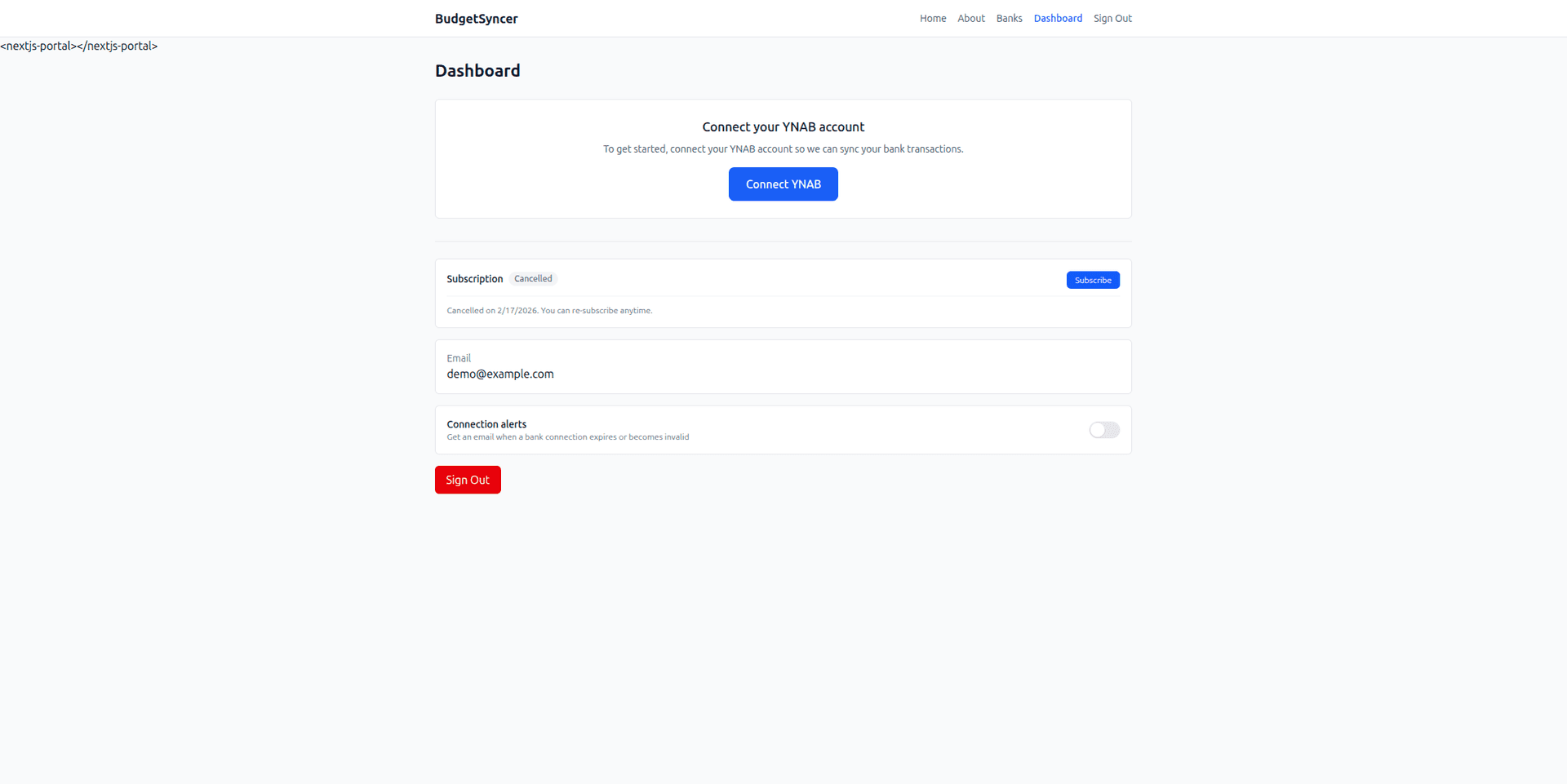
- Sign up and connect YNAB with OAuth.
- Start a free trial on the website or App Store (required before connecting a bank).
- Pick your bank and complete your bank’s secure authorization.
- Map accounts — automatic syncing runs on your schedule.
What it looks like
Ready to stop CSV imports?
Create a free account, check your bank, and subscribe when you want sync enabled.
Get startedDon't see your bank?
Tell us which bank and country you need. We track demand for new institutions.