Why linking is separate from YNAB OAuth
YNAB OAuth lets BudgetSyncer write transactions into your budget. Bank linking is a second consent with the bank through open banking. Both are required for sync; either can be revoked independently.
European bank sync for YNAB
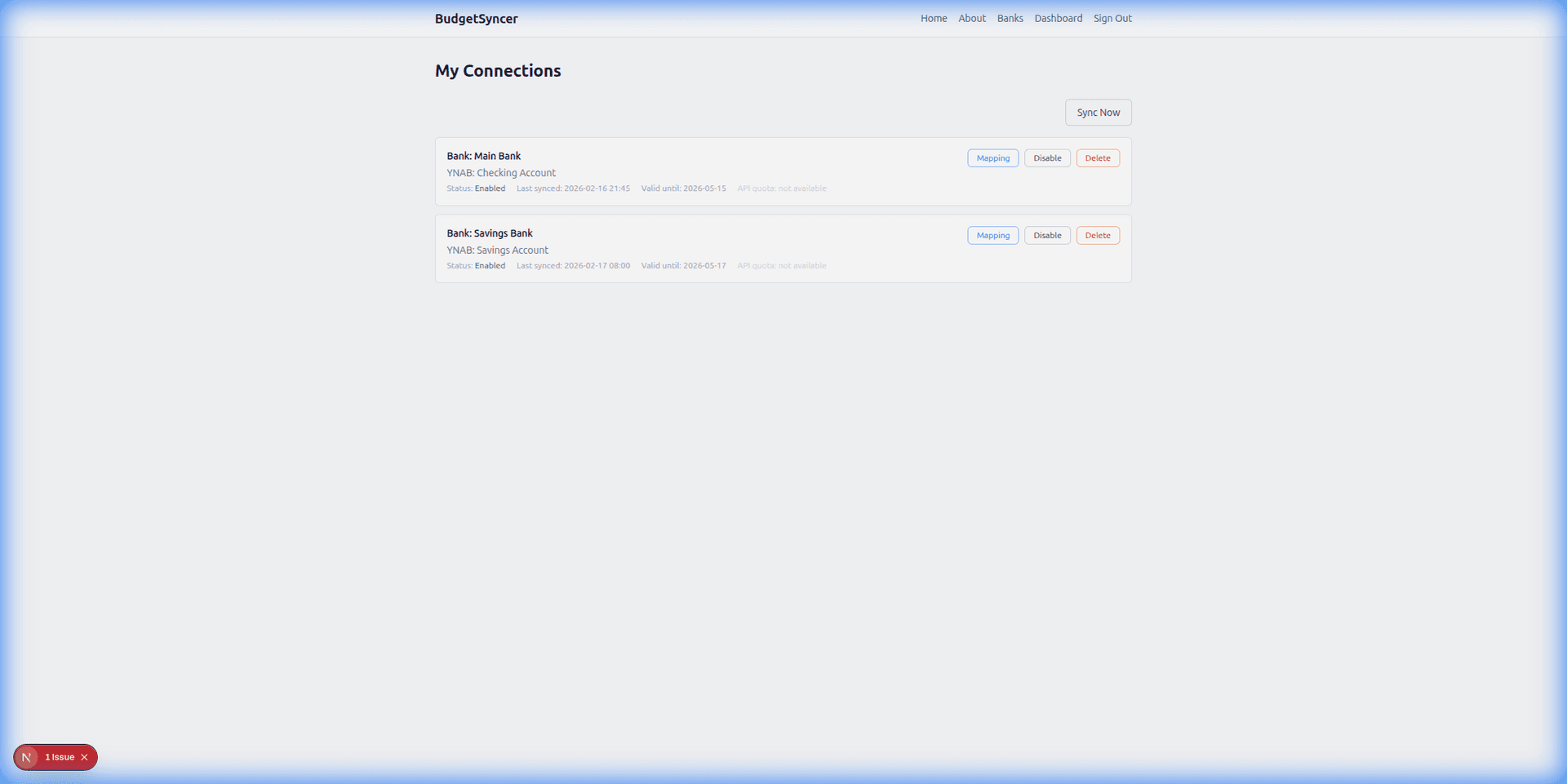
To link a bank account in BudgetSyncer, start a connection for your institution, finish the bank’s PSD2 authorization, then map the returned accounts to YNAB. Parent how-to: how to connect a European bank to YNAB.
One connection covers one institution login.
Listed by our open banking partner; not separately verified beyond the directory listing.
YNAB OAuth lets BudgetSyncer write transactions into your budget. Bank linking is a second consent with the bank through open banking. Both are required for sync; either can be revoked independently.
1. With an active free trial or subscription, open connect bank, choose country and institution from the directory.
2. Complete the bank’s authorization (app or web SCA as required).
3. Wait for accounts to appear, then continue to mapping — linking alone does not choose YNAB destinations.
Next: how to map bank accounts to YNAB. Pipeline overview: how BudgetSyncer works with YNAB.
Credit card accounts can sync where your bank exposes them through open banking. Availability varies by bank and country — confirm the accounts returned after you authorize.
If authorize succeeds but no accounts return, that is usually a bank open-banking limitation — try again later or use CSV for that product while syncing other accounts.
Create a free account, check your bank, and subscribe when you want sync enabled.
Get startedTell us which bank and country you need. We track demand for new institutions.