Why mapping matters
Wrong destinations break balances and payment flows in YNAB. Remapping later changes import-from-date behaviour for that bank account — review carefully so you do not re-import into the wrong register.
European bank sync for YNAB
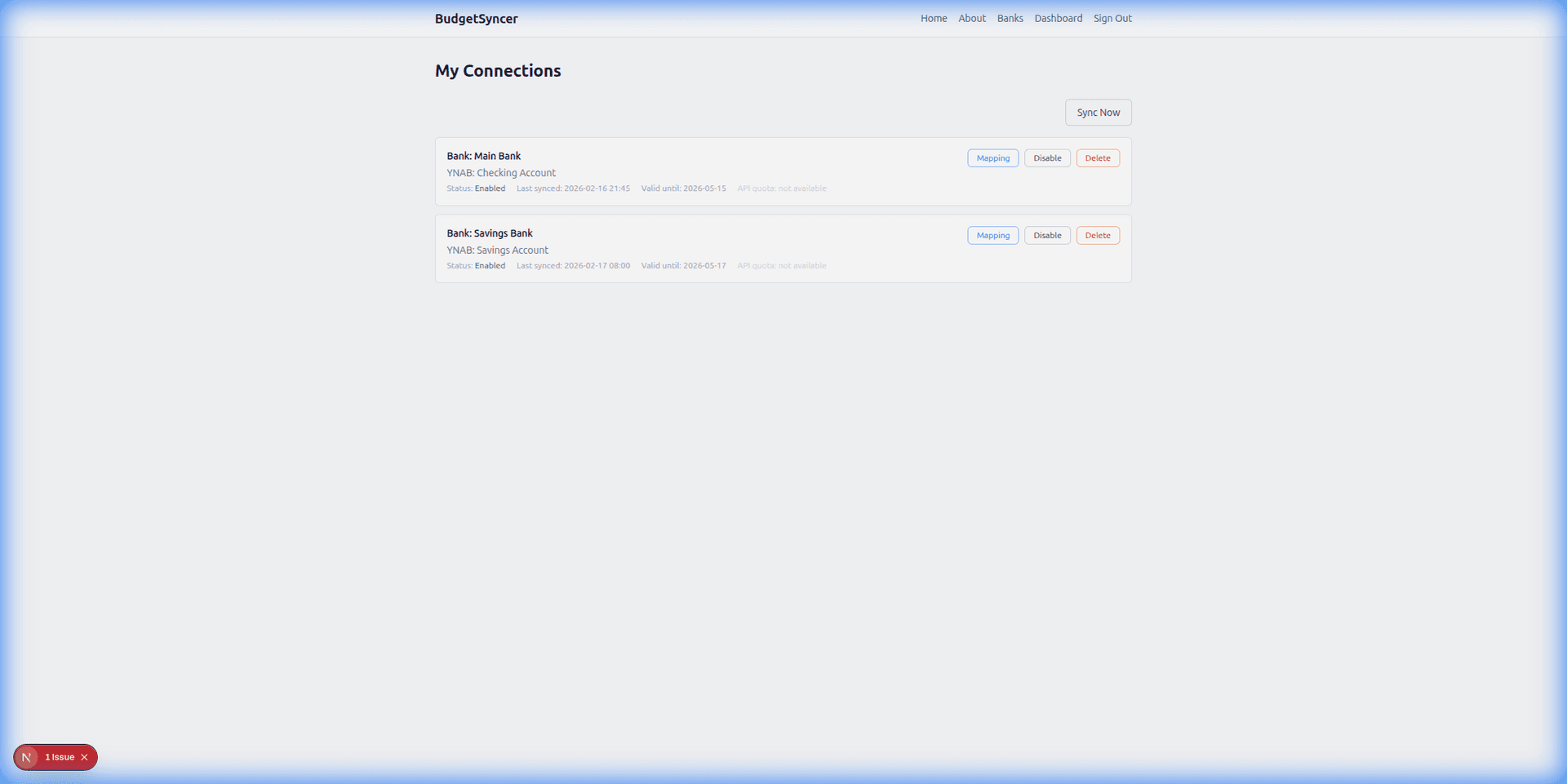
Map each bank account BudgetSyncer returns to the matching YNAB account type — checking to checking, card to credit card. Unlimited bank accounts on each connection. Parent connect guide: how to connect a European bank to YNAB.
Unlimited bank accounts on each connection. Map every checking, savings, and card account your bank returns. Only mapped accounts sync.
Listed by our open banking partner; not separately verified beyond the directory listing.
Wrong destinations break balances and payment flows in YNAB. Remapping later changes import-from-date behaviour for that bank account — review carefully so you do not re-import into the wrong register.
1. After authorize, open the mapping screen for the connection. Unlimited bank accounts on each connection. Map every checking, savings, and card account your bank returns. Only mapped accounts sync.
2. Assign each bank account you want synced to a YNAB account. Leave unmapped accounts alone if you do not need them in YNAB.
3. Save, enable sync, and review the first import. Adjust field mapping if payee or memo sources need different bank fields.
Linking first: how to link a bank account. Full cluster: complete YNAB bank syncing guide.
Credit cards: only map when the bank returns a card product; use a YNAB credit card account.
Extra accounts beyond the cap: unmap one, or add another institution connection if you have a second login.
Create a free account, check your bank, and subscribe when you want sync enabled.
Get startedTell us which bank and country you need. We track demand for new institutions.