European bank sync for YNAB

How to connect a European bank to YNAB with BudgetSyncer

To connect a European bank to YNAB with BudgetSyncer, confirm the bank at /banks, create a free account, link YNAB, start a free trial, authorize the bank via PSD2, then map accounts for automatic sync. Broader context: complete YNAB bank syncing guide.

Support status

2,700+ institutions across 29 of 30 European markets. Listed ≠ every account type after authorize.

Listed by our open banking partner; not separately verified beyond the directory listing.

Before you start

Check whether YNAB Direct Import already supports your bank and stays connected. If it does, keep Direct Import for that account. BudgetSyncer is for European institutions missing from Direct Import, unreliable Plaid links, or households that want scheduled open banking sync with manual sync anytime.

Browse country and bank guides under /guides, or open the live directory at /banks. 2,700+ institutions across 29 of 30 European markets via Enable Banking (as of 2026-09-30).

Connect step-by-step

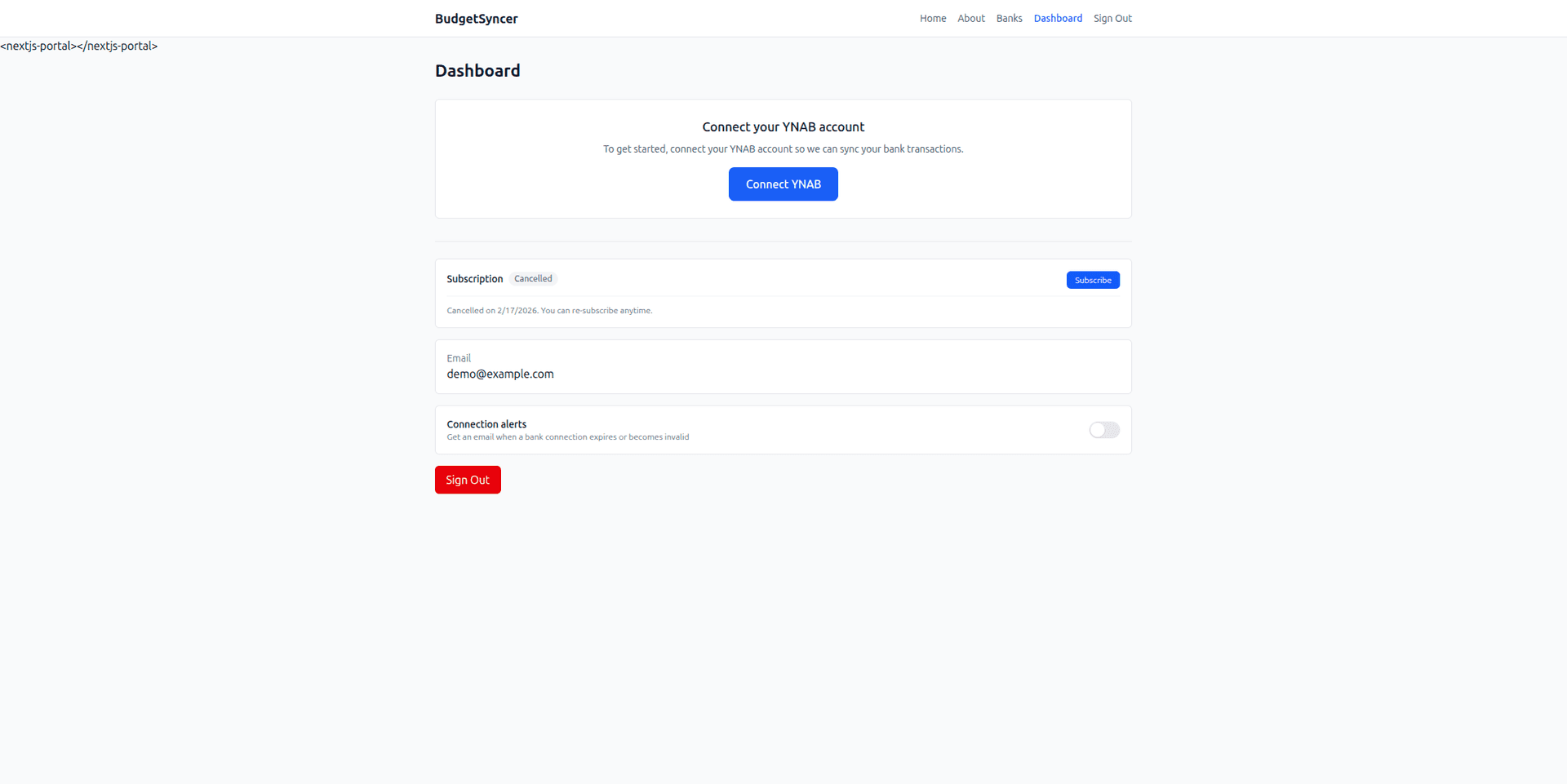
1. Create a BudgetSyncer account and connect YNAB with OAuth.

2. Start a 7-day free trial on the website or App Store — required before connecting a bank.

3. Choose your country and bank. Complete the bank’s consent screen (SCA as your bank requires). BudgetSyncer does not store bank passwords.

4. On the mapping screen, assign each bank account to a YNAB account. You can map up to 4 bank accounts per institution connection. Extra bank connections each get their own mapping allowance. One connection = one institution login.

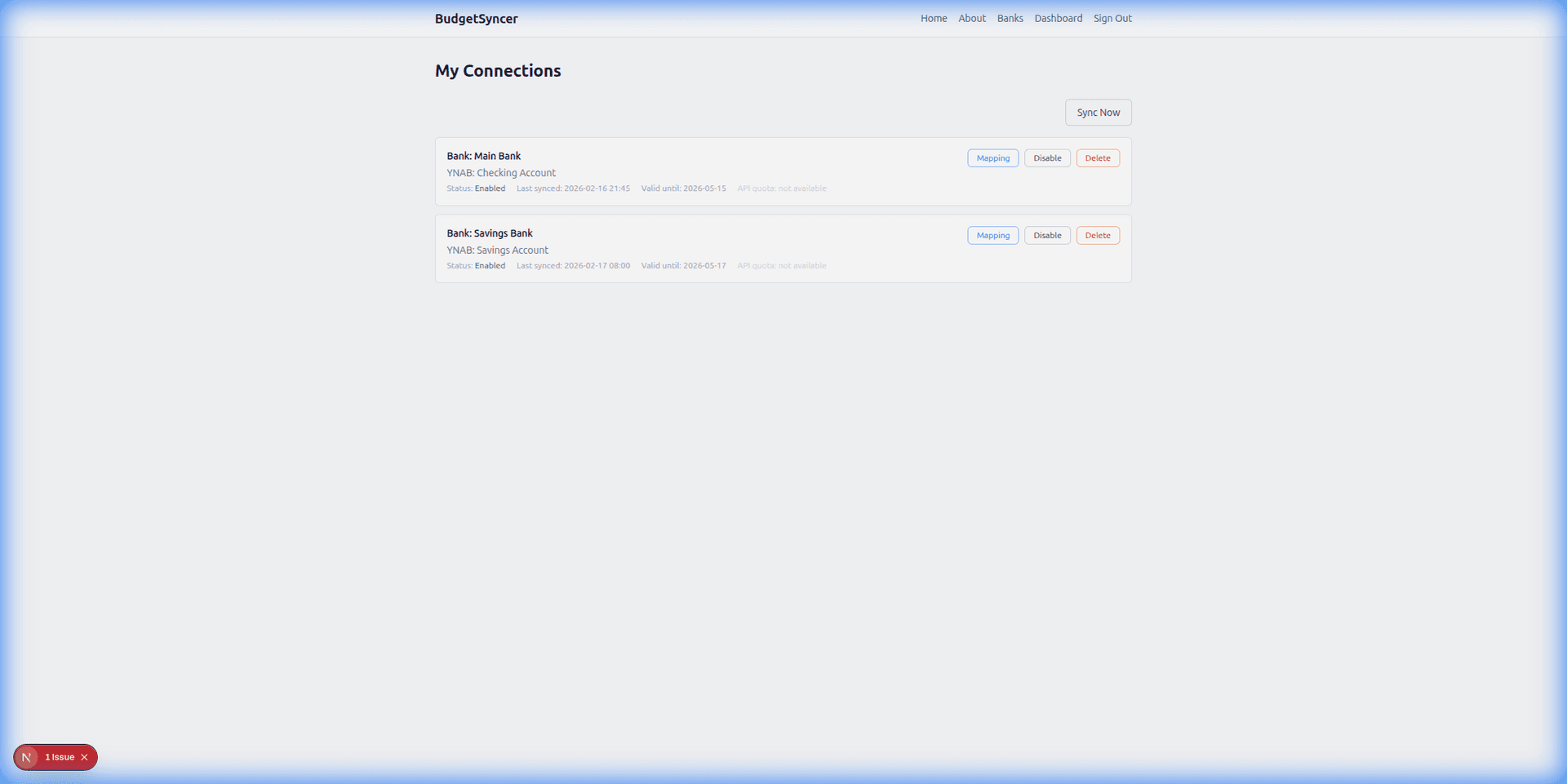
5. Sync runs on your schedule after mapping. Transactions sync automatically on your chosen schedule (default twice per day; you can add or change sync times on the connections page). Exact local times are shown for your timezone. You can also start a manual sync anytime from BudgetSyncer. With Enable Banking there is no separate daily limit on user-triggered syncs (banks may still delay publishing transactions).

Linking a single login in more detail: how to link a bank account. Correct mapping: how to map bank accounts to YNAB. How the pipeline works: how BudgetSyncer works with YNAB.
Common mistakes

Skipping the directory check and assuming every European brand is available.

Treating directory listing as a guarantee that credit cards appear — confirm after authorize.

Using more than the mapped-account cap on one institution without adding another connection for another login.

Forgetting to review the first sync for payee cleanup in YNAB.

Setup in a few minutes

  1. Create a free BudgetSyncer account and connect your YNAB plan.
  2. Start a 7-day free trial on the website or App Store (required before connecting a bank).
  3. Choose your bank and authorize via secure PSD2 open banking (no passwords stored by BudgetSyncer).
  4. Map each bank account from your login to the right YNAB account — transactions sync on your schedule, and you can sync manually anytime.

What it looks like

Connect bank flow
Choose your bank and authorize securely
Sync status
Transactions flow into YNAB automatically

FAQ

Do I need a paid plan to browse banks?
You can create a free account and explore supported banks in the wizard before you subscribe for ongoing sync.
Can I use BudgetSyncer and Direct Import together?
Yes. Many people keep Direct Import on one account and BudgetSyncer on another. Each connection uses separate consent.
What if my bank is not listed?
Request it from the unsupported-bank form on country or bank pages, and keep CSV or Direct Import where those still work.

Ready to stop CSV imports?

Create a free account, check your bank, and subscribe when you want sync enabled.

Get started

Don't see your bank?

Tell us which bank and country you need. We track demand for new institutions.