European bank sync for YNAB

Does BudgetSyncer store bank passwords? Your questions answered

No — BudgetSyncer does not store bank passwords. You authorize read access through PSD2 open banking (Enable Banking) on your bank’s screen. Parent comparison: YNAB bank sync security vs manual imports.

Support status

Passwords are not stored by BudgetSyncer.

Listed by our open banking partner; not separately verified beyond the directory listing.

How to revoke access

Disconnect the bank in BudgetSyncer, and revoke consent in your bank’s open banking / third-party access settings when available. You can also revoke YNAB access from YNAB’s connected applications settings.

Setup in a few minutes

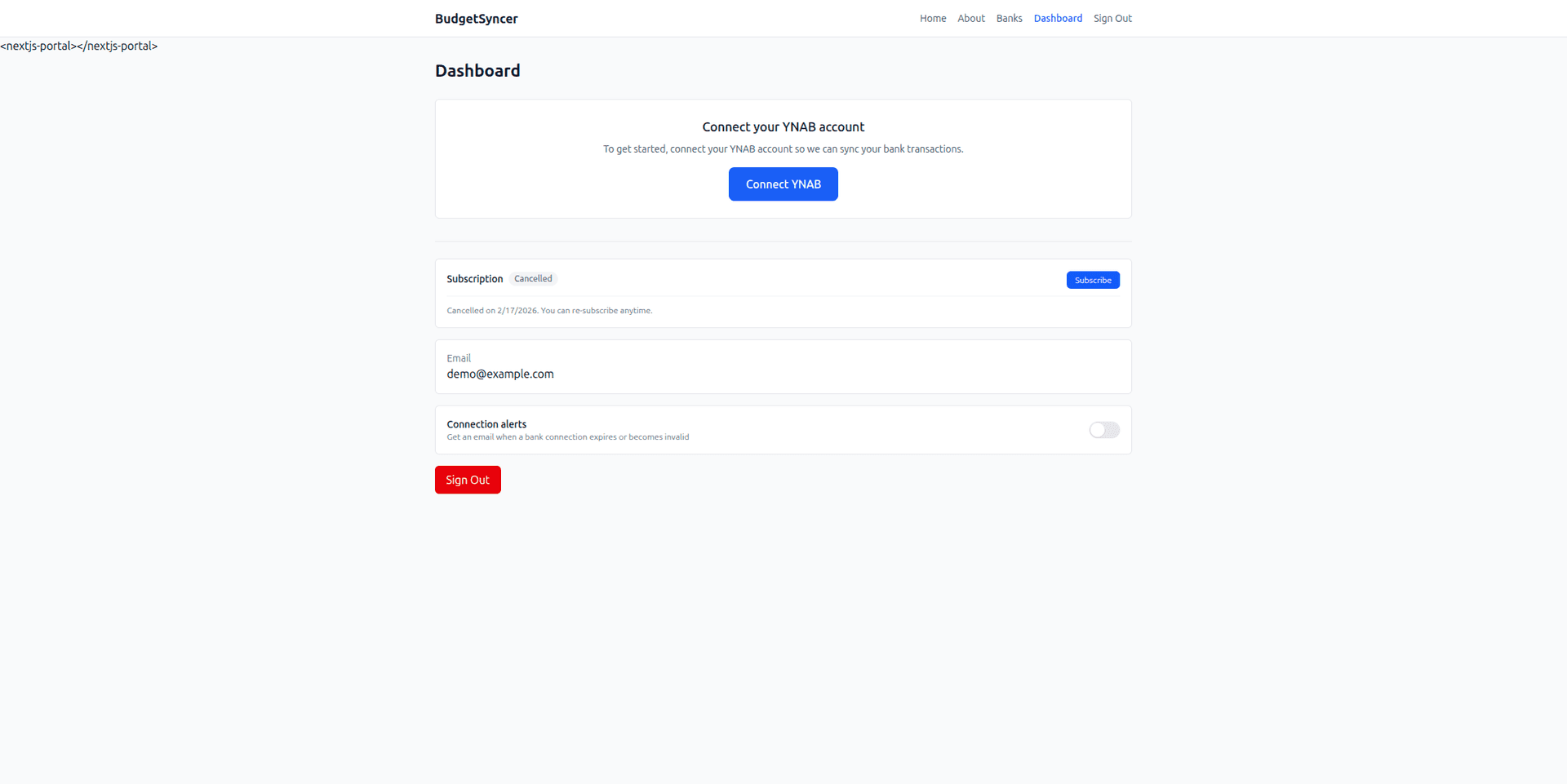
  1. Create a free BudgetSyncer account and connect your YNAB plan.
  2. Start a 7-day free trial on the website or App Store (required before connecting a bank).
  3. Choose your bank and authorize via secure PSD2 open banking (no passwords stored by BudgetSyncer).
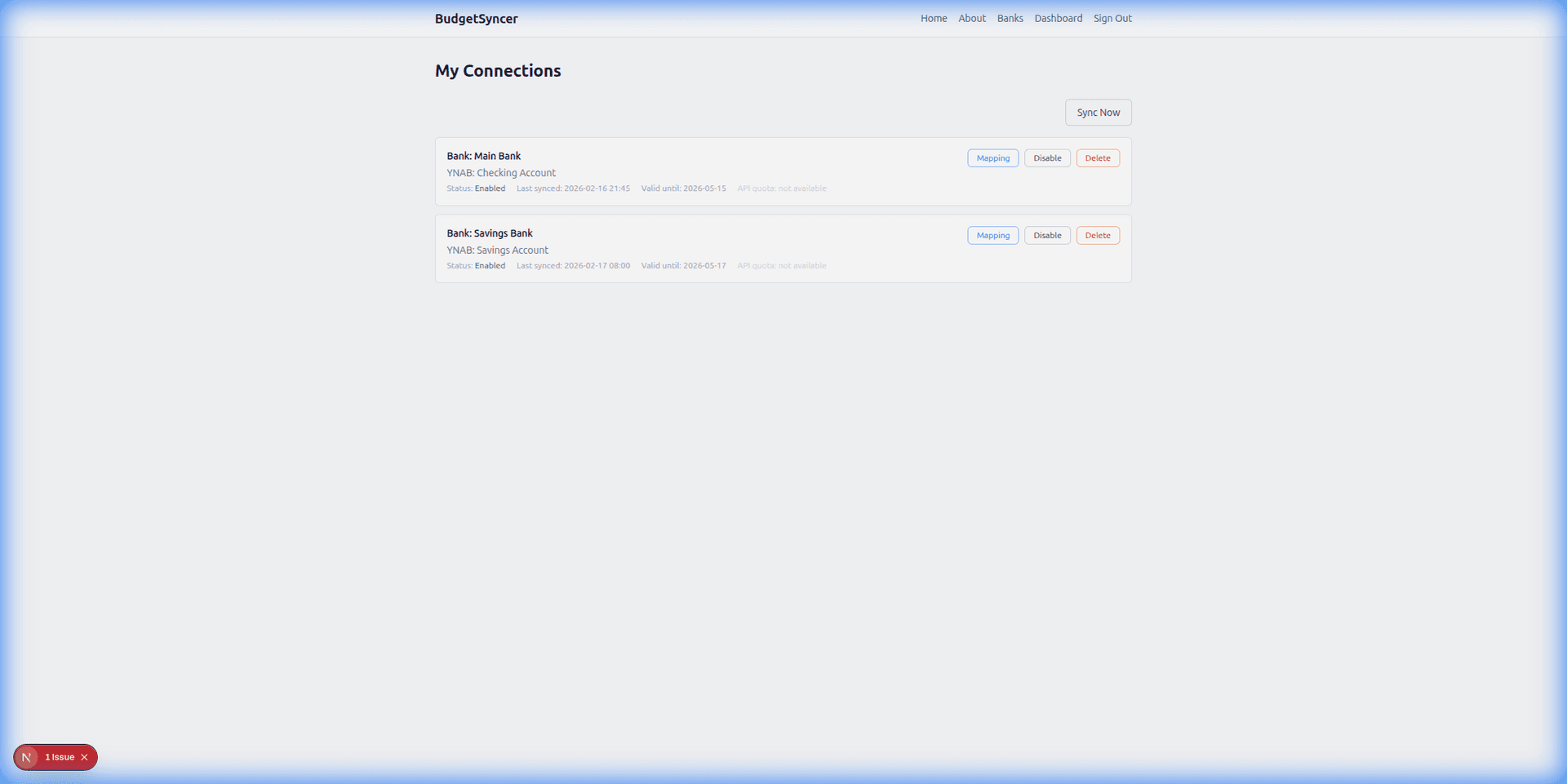
  4. Map each bank account from your login to the right YNAB account — transactions sync on your schedule, and you can sync manually anytime.

What it looks like

Connect bank flow
Choose your bank and authorize securely
Sync status
Transactions flow into YNAB automatically

FAQ

Can BudgetSyncer move money from my account?
BudgetSyncer is built to sync transactions into YNAB. Authorize only through official PSD2 flows and revoke if anything looks wrong.

Ready to stop CSV imports?

Create a free account, check your bank, and subscribe when you want sync enabled.

Get started

Don't see your bank?

Tell us which bank and country you need. We track demand for new institutions.