European bank sync for YNAB

YNAB bank sync security vs manual imports: which approach fits?

YNAB bank sync security and privacy depend on the path you choose: YNAB Direct Import, PSD2 open banking through BudgetSyncer, or manual CSV/OFX. Prefer the least privilege that already keeps your European budget current. Cluster overview: complete YNAB bank syncing guide.

Support status

BudgetSyncer does not store bank passwords; access is read-only for sync.

Listed by our open banking partner; not separately verified beyond the directory listing.

What each path shares with your bank data

Direct Import: YNAB’s built-in connection (Plaid in European markets YNAB supports). No BudgetSyncer involved. Prefer it when the bank stays connected.

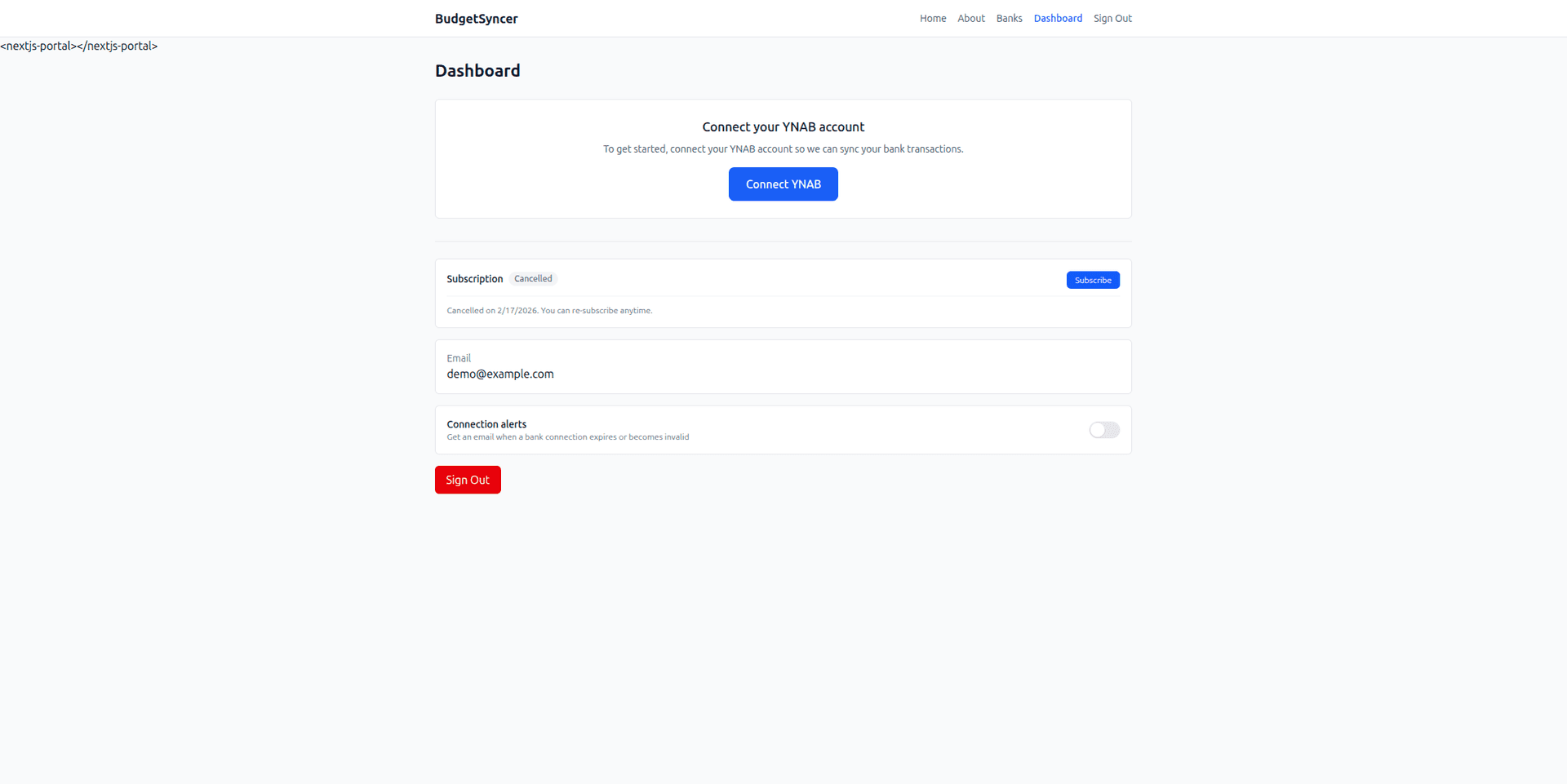
BudgetSyncer: PSD2 consent via Enable Banking, read-only transaction access for sync into YNAB via OAuth. Passwords are not stored by BudgetSyncer. See does BudgetSyncer store bank passwords and is BudgetSyncer safe for YNAB.

CSV/OFX: you download files from online banking and upload them. No standing open banking token with BudgetSyncer, but the file often contains full history and pending rows you must reconcile by hand.
When each approach fits

Choose Direct Import when your bank is already reliable there — fewer moving parts.

Choose BudgetSyncer when you need scheduled European open banking for banks missing from Direct Import, with revoke-anytime consent and duplicate handling for pending/booked and reconnects.

Choose CSV when you need older history open banking does not return, a product the bank never exposes via PSD2, or rare one-off imports and you accept the cleanup cost.

Side-by-side product options: YNAB bank import options compared. CSV chore vs sync: CSV import alternative for Europe. Walkthrough: how BudgetSyncer works with YNAB.

Common mistakes

Assuming “no third party” means CSV is always safer — files still leave the bank and sit on disks and email.

Assuming open banking means BudgetSyncer can move money — sync is read-oriented for transactions into YNAB.

Keeping expired bank consent and wondering why sync stopped — renew at the bank, then reconnect.

Setup in a few minutes

  1. Create a free BudgetSyncer account and connect your YNAB plan.
  2. Start a 7-day free trial on the website or App Store (required before connecting a bank).
  3. Choose your bank and authorize via secure PSD2 open banking (no passwords stored by BudgetSyncer).
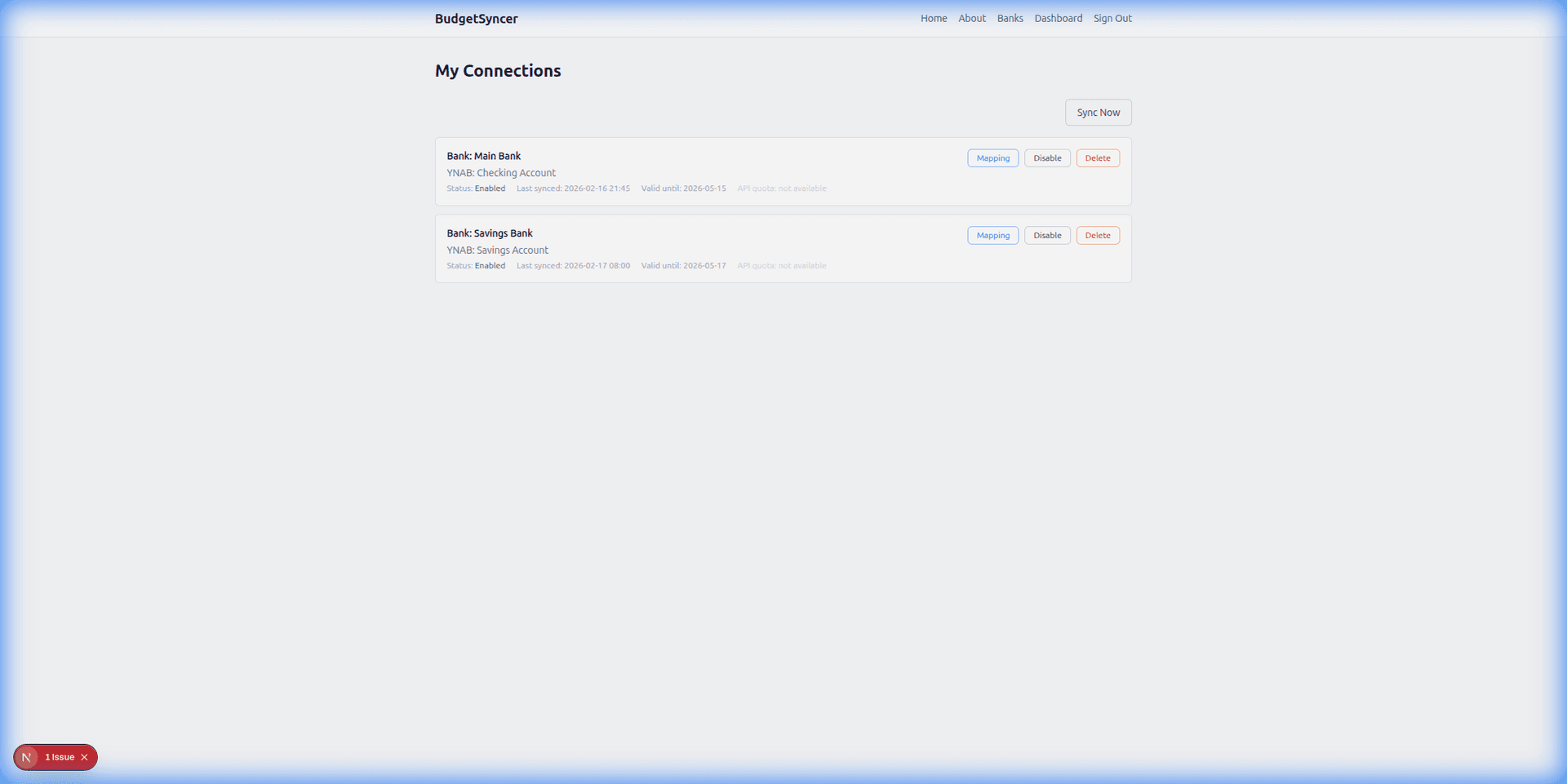
  4. Map each bank account from your login to the right YNAB account — transactions sync on your schedule, and you can sync manually anytime.

What it looks like

Connect bank flow
Choose your bank and authorize securely
Sync status
Transactions flow into YNAB automatically

FAQ

Is open banking safer than typing a password into a sync app?
BudgetSyncer uses PSD2 consent screens from your bank rather than storing bank passwords. You can revoke consent at the bank or disconnect in BudgetSyncer.
Does YNAB see my bank password through BudgetSyncer?
No. YNAB receives imported transactions through its API after you authorize BudgetSyncer with OAuth. Bank consent is separate.
Where is the full syncing guide?
See complete YNAB bank syncing guide.

Ready to stop CSV imports?

Create a free account, check your bank, and subscribe when you want sync enabled.

Get started

Don't see your bank?

Tell us which bank and country you need. We track demand for new institutions.