European bank sync for YNAB

Why YNAB transactions are not syncing: common questions answered

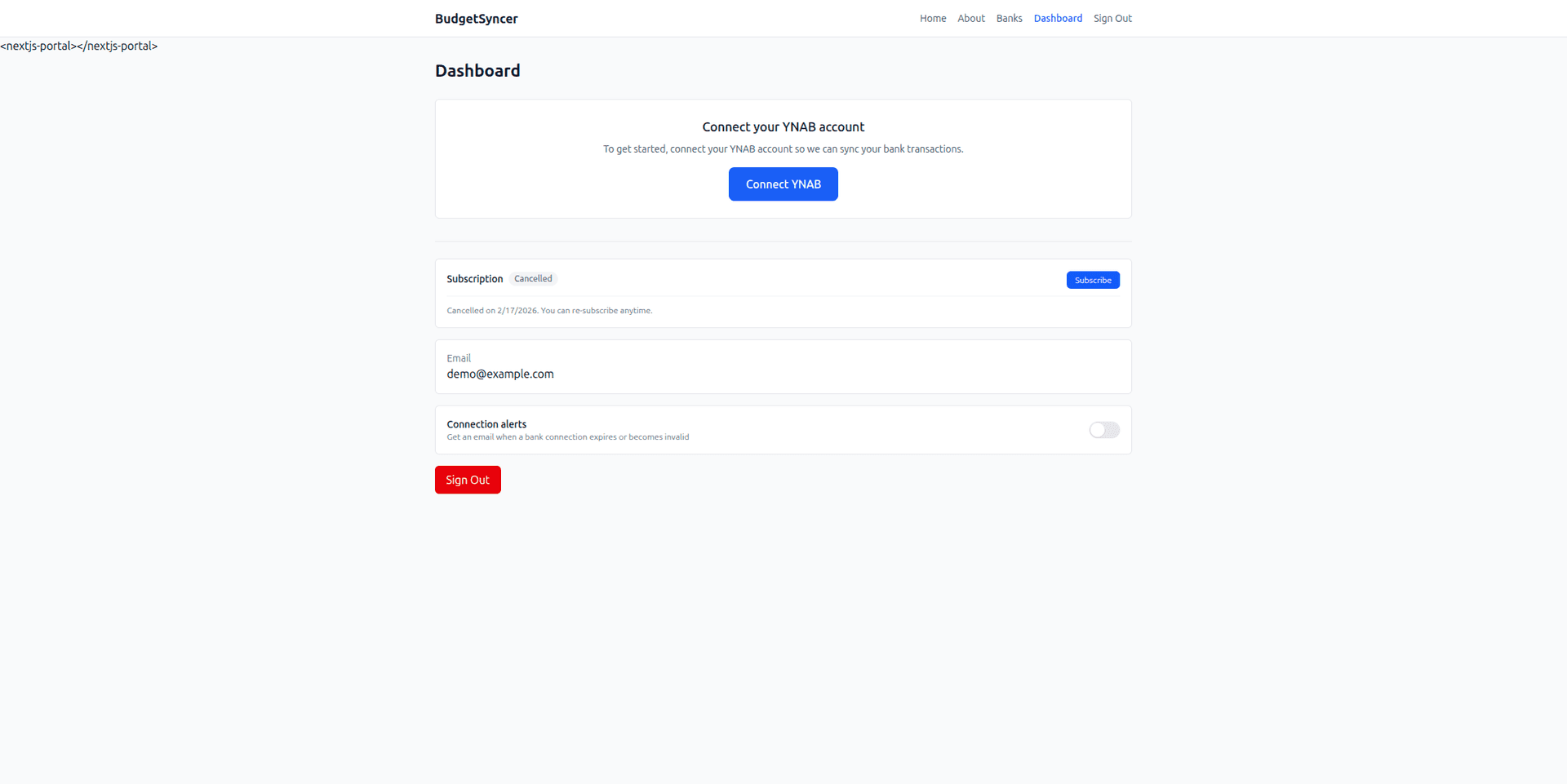
When YNAB transactions are not syncing through BudgetSyncer, check bank consent, YNAB OAuth, account mapping, subscription status, and whether the bank has published new rows — then run a manual sync. Walkthrough: how BudgetSyncer works with YNAB.

Support status

Most “missing” syncs are consent expiry or bank publishing delay.

Listed by our open banking partner; not separately verified beyond the directory listing.

Checklist

1. Confirm the connection is subscribed and not paused.

2. Confirm bank consent is still valid; reconnect if the bank requires renewal.

3. Confirm the account is mapped to a YNAB destination.

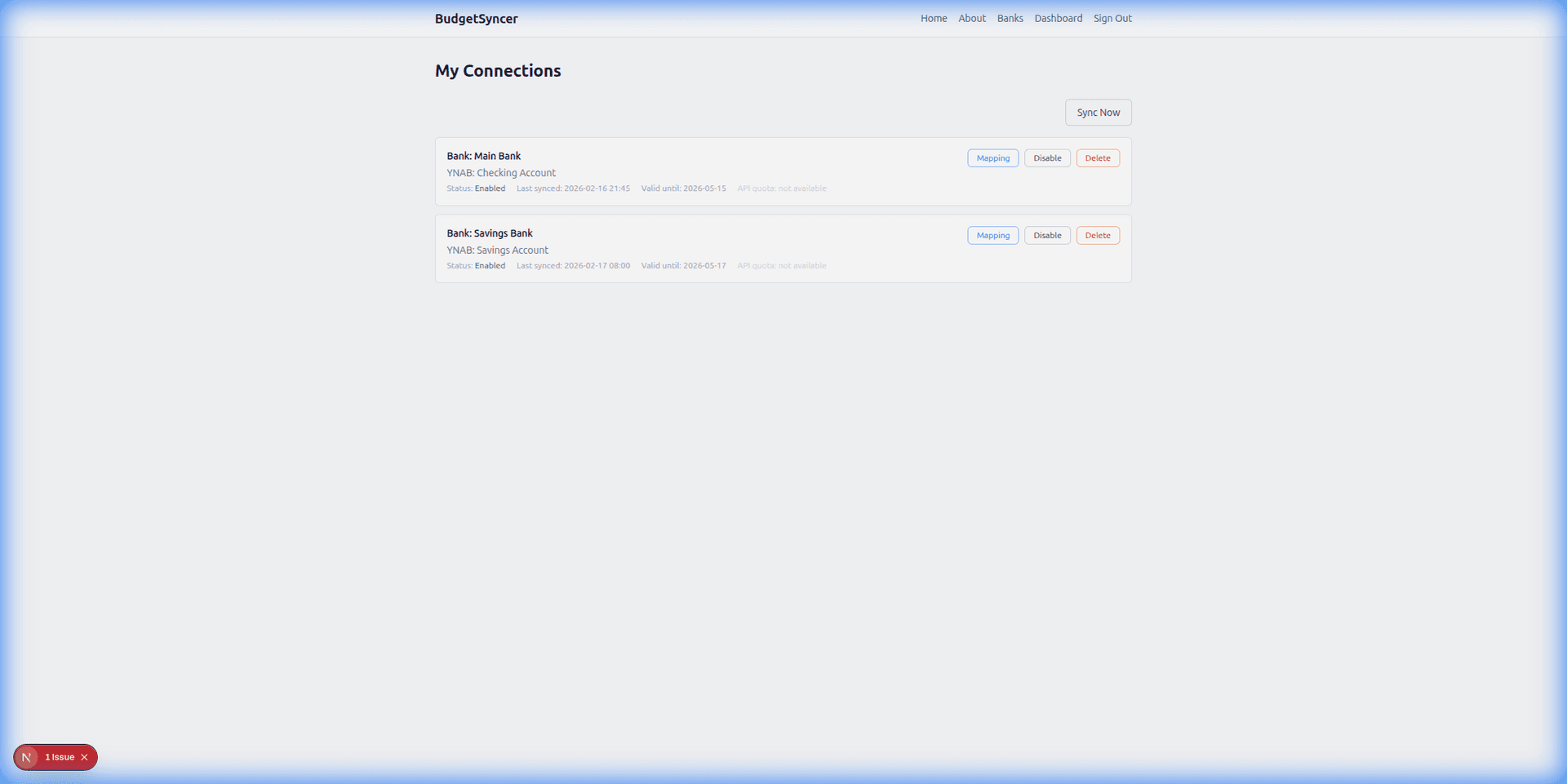
4. Run a manual sync; if still empty, the bank may not have published new transactions yet.

5. Review duplicate and overlap behaviour at how BudgetSyncer prevents duplicates so you do not mistake skipped overlaps for a failed sync. Frequency FAQ: how often BudgetSyncer syncs.
Setup in a few minutes

  1. Create a free BudgetSyncer account and connect your YNAB plan.
  2. Start a 7-day free trial on the website or App Store (required before connecting a bank).
  3. Choose your bank and authorize via secure PSD2 open banking (no passwords stored by BudgetSyncer).
  4. Map each bank account from your login to the right YNAB account — transactions sync on your schedule, and you can sync manually anytime.

What it looks like

Connect bank flow
Choose your bank and authorize securely
Sync status
Transactions flow into YNAB automatically

FAQ

Why did sync stop after weeks of working?
Open banking consent often expires on a bank-set schedule. Re-authorize at the bank, then sync again. Overlap matching should skip transactions already in YNAB.
Why do I see transactions in the bank app but not in YNAB?
The bank app can show activity before open banking publishes it to third parties. Wait for publishing, then manual sync. Confirm mapping and consent first.

Ready to stop CSV imports?

Create a free account, check your bank, and subscribe when you want sync enabled.

Get started

Don't see your bank?

Tell us which bank and country you need. We track demand for new institutions.